Make a mark.
Give it rhythm.
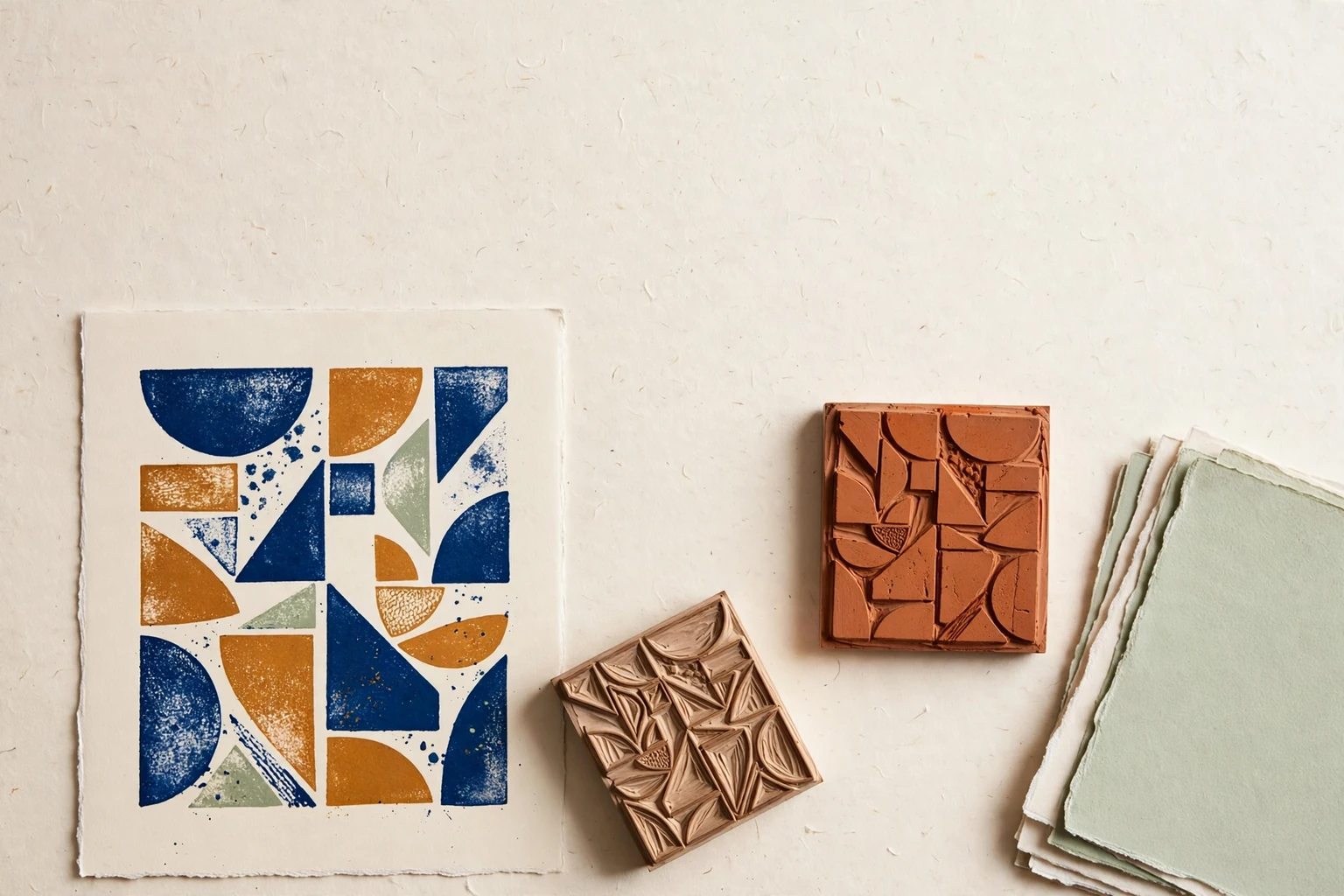
Tessloft brings your motif choices, pattern experiments and saved print editions to one working table.
A different turn.
A different field.
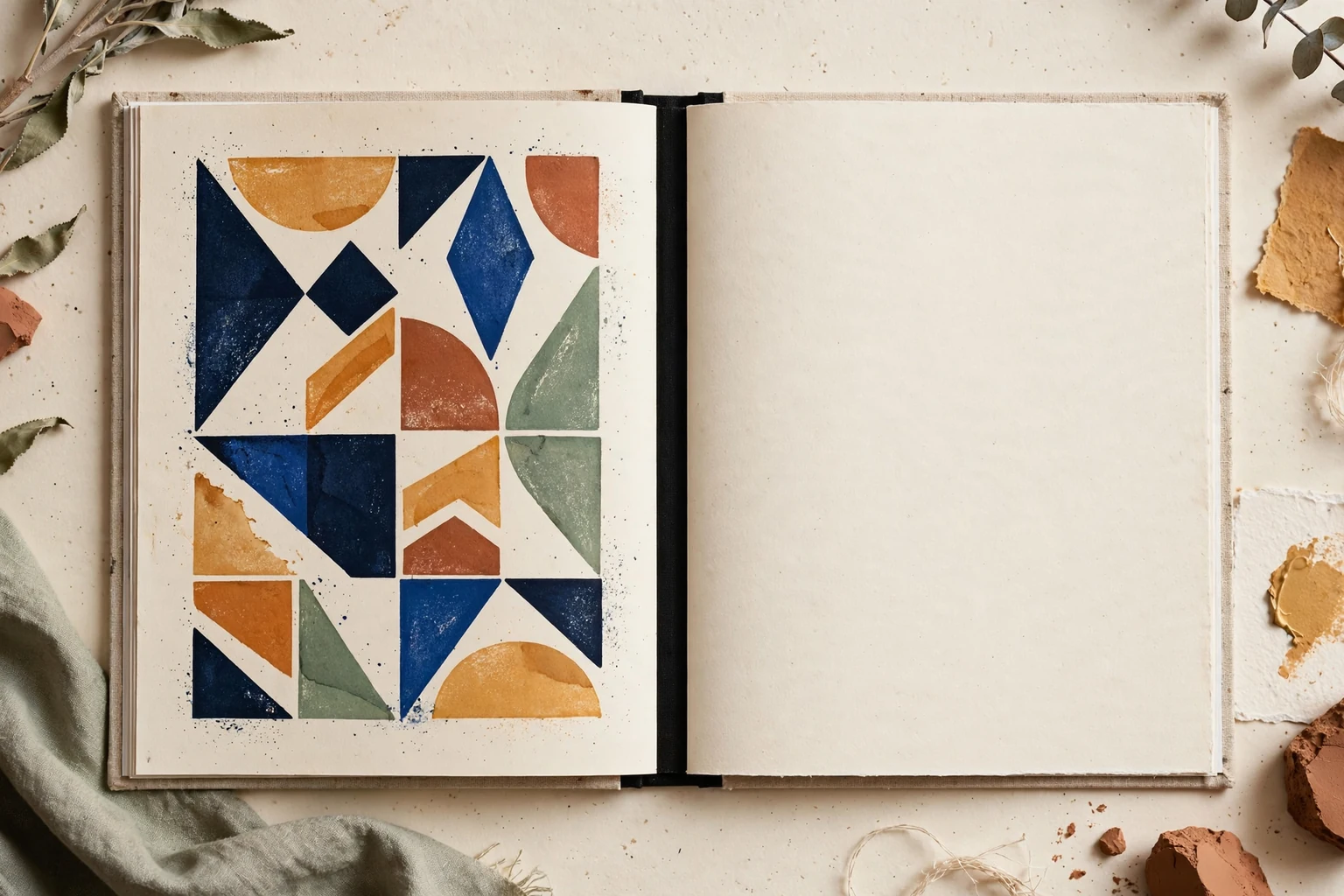
Move a control and watch this geometric mark find a new rhythm. In the app, begin with a motif from the drawer and keep shaping your own print.
Four columns, an open gap, and an upright mark.
A page-only demonstration. Your choices here reset when you leave.
A leaf.
A curve.
A corner.
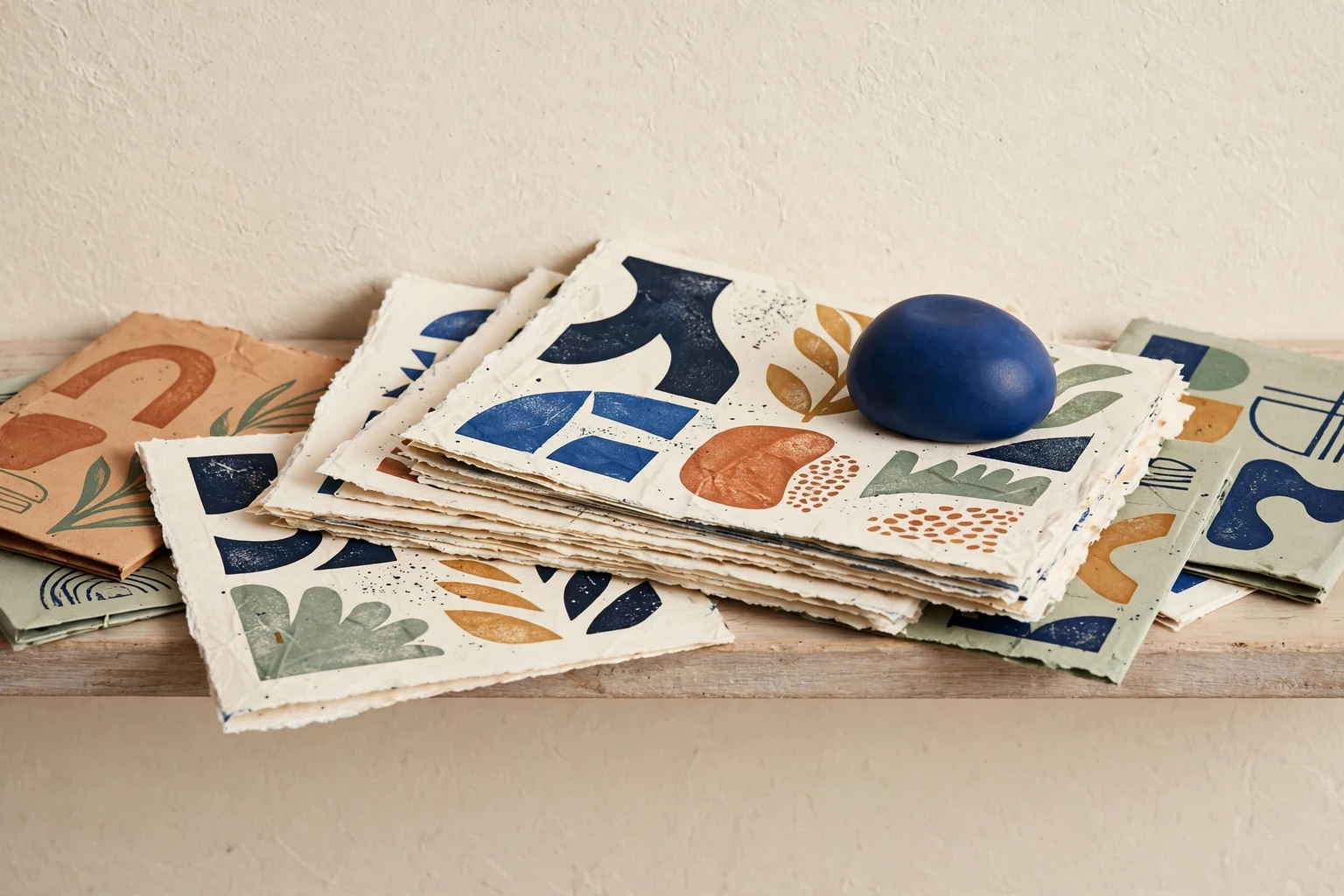
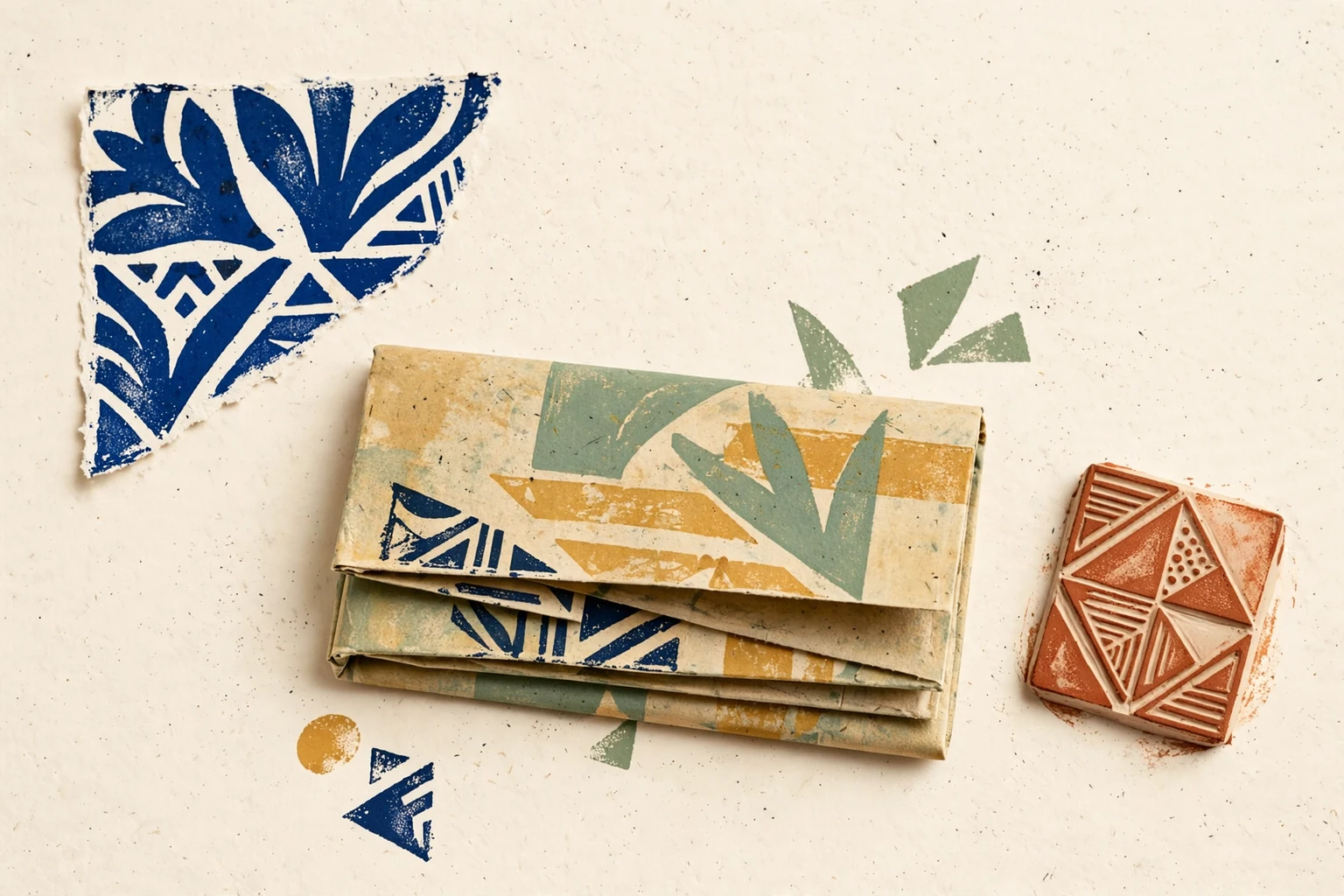
Open a motif for a closer look and a small direction to try. Keep interesting marks in your drawer, or take one straight to the workbench.
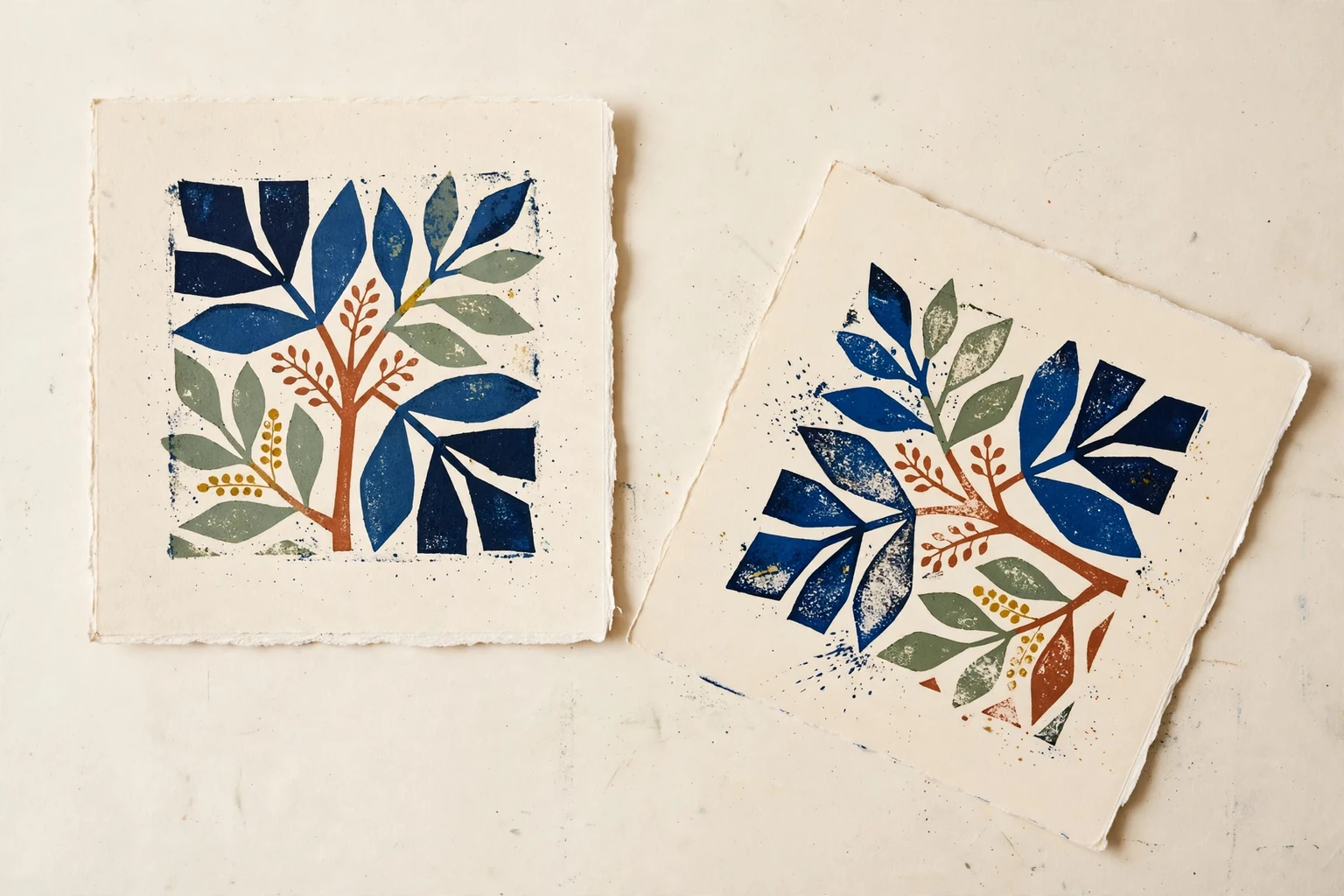
Let the arrangement
do some of the work.
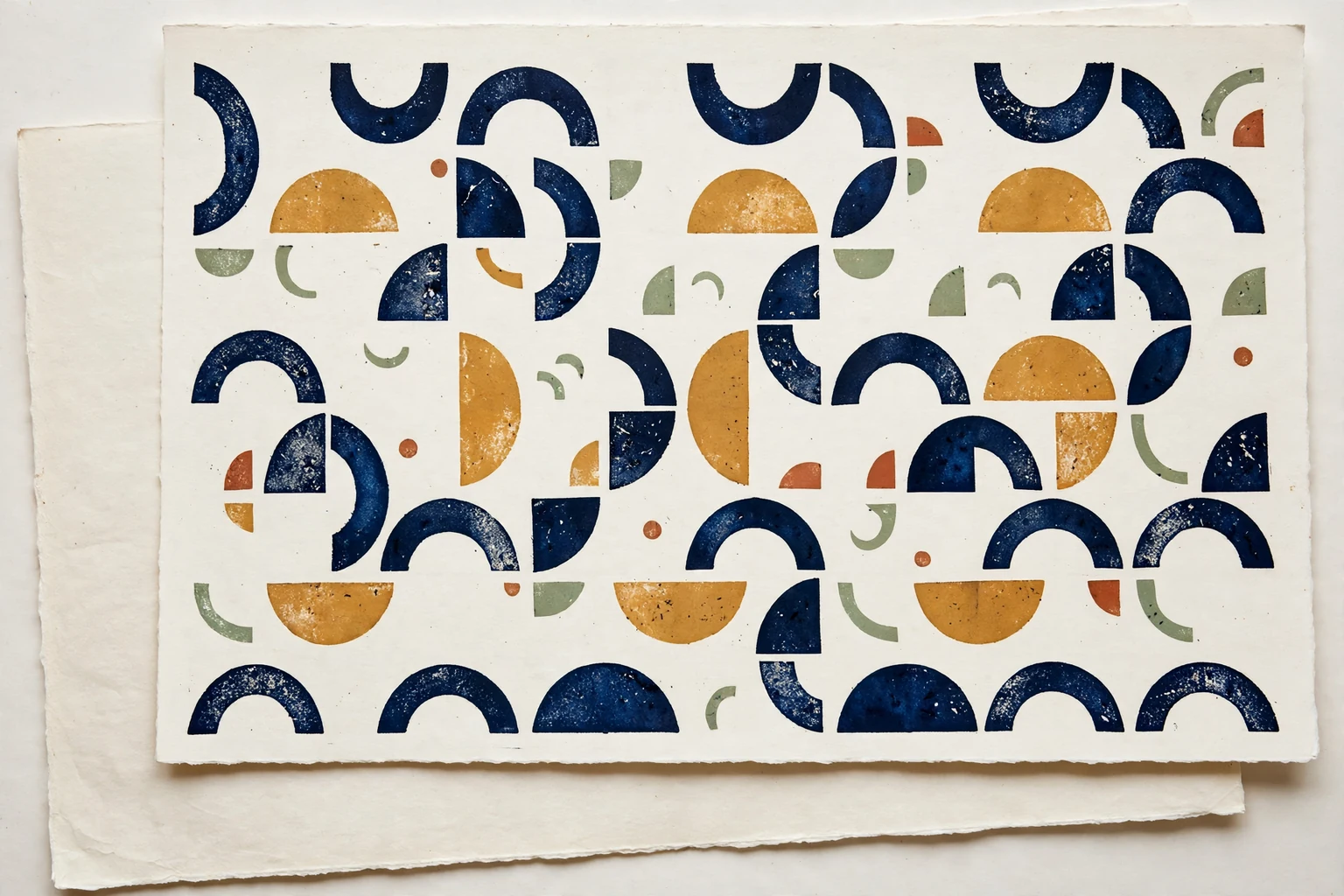
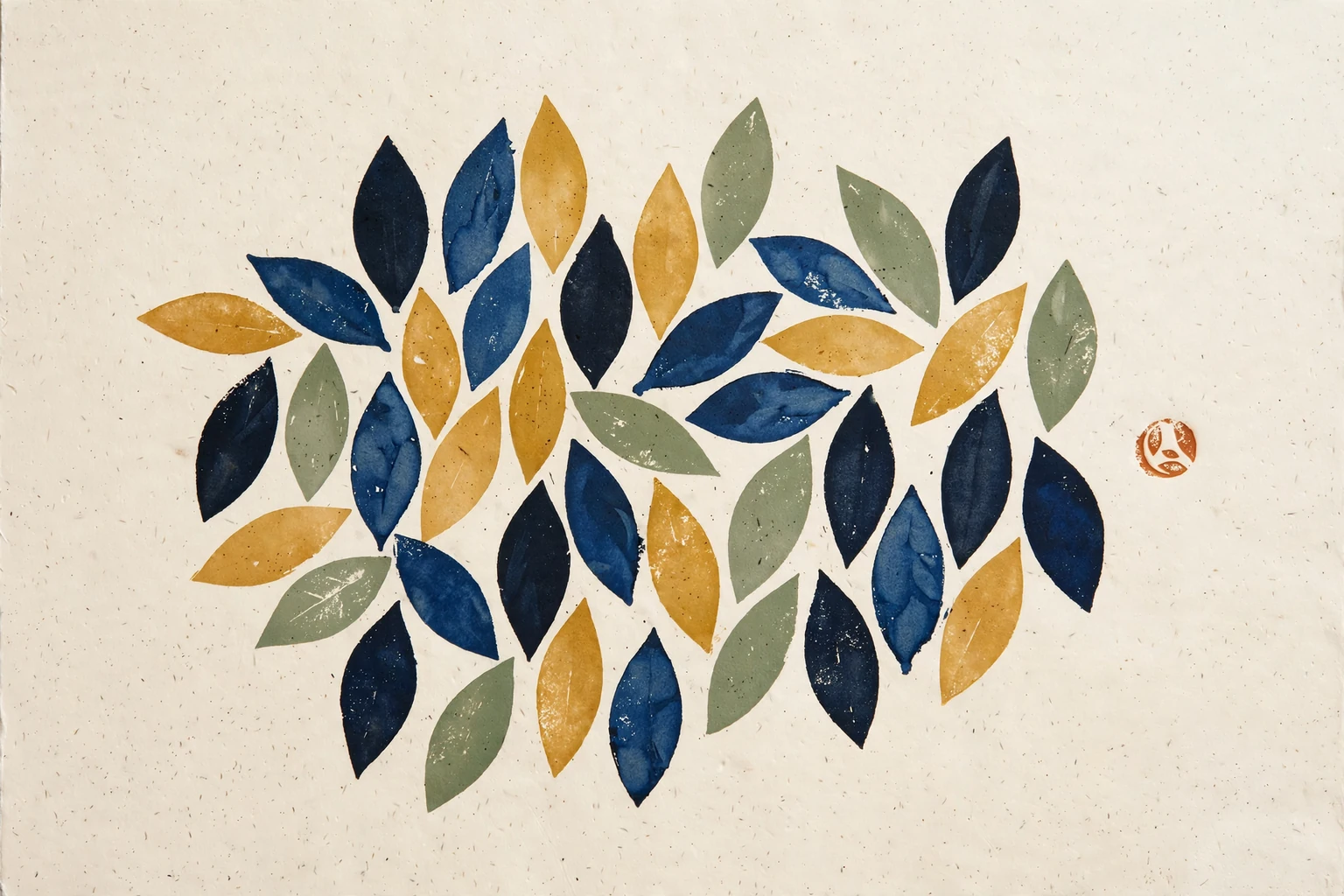
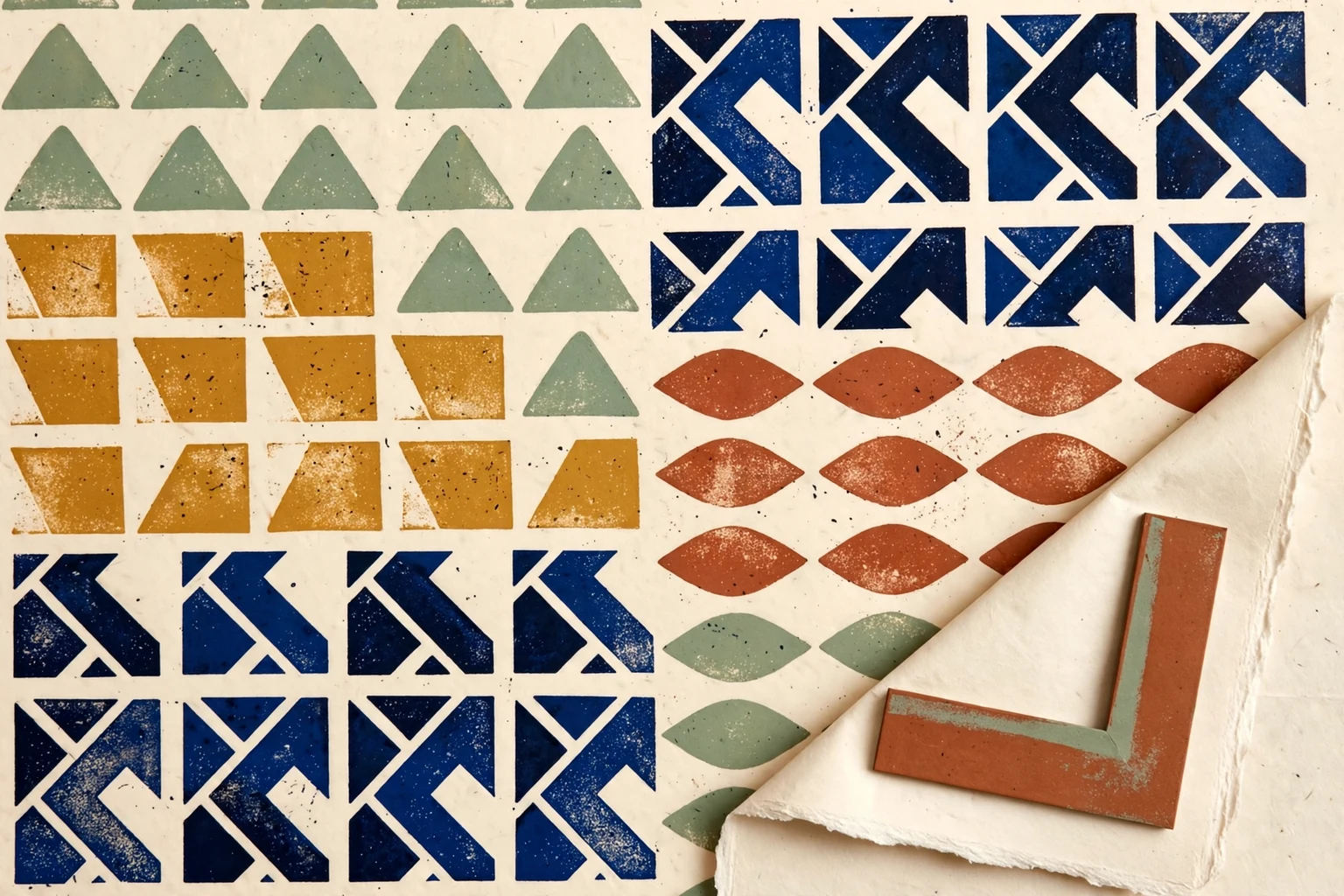
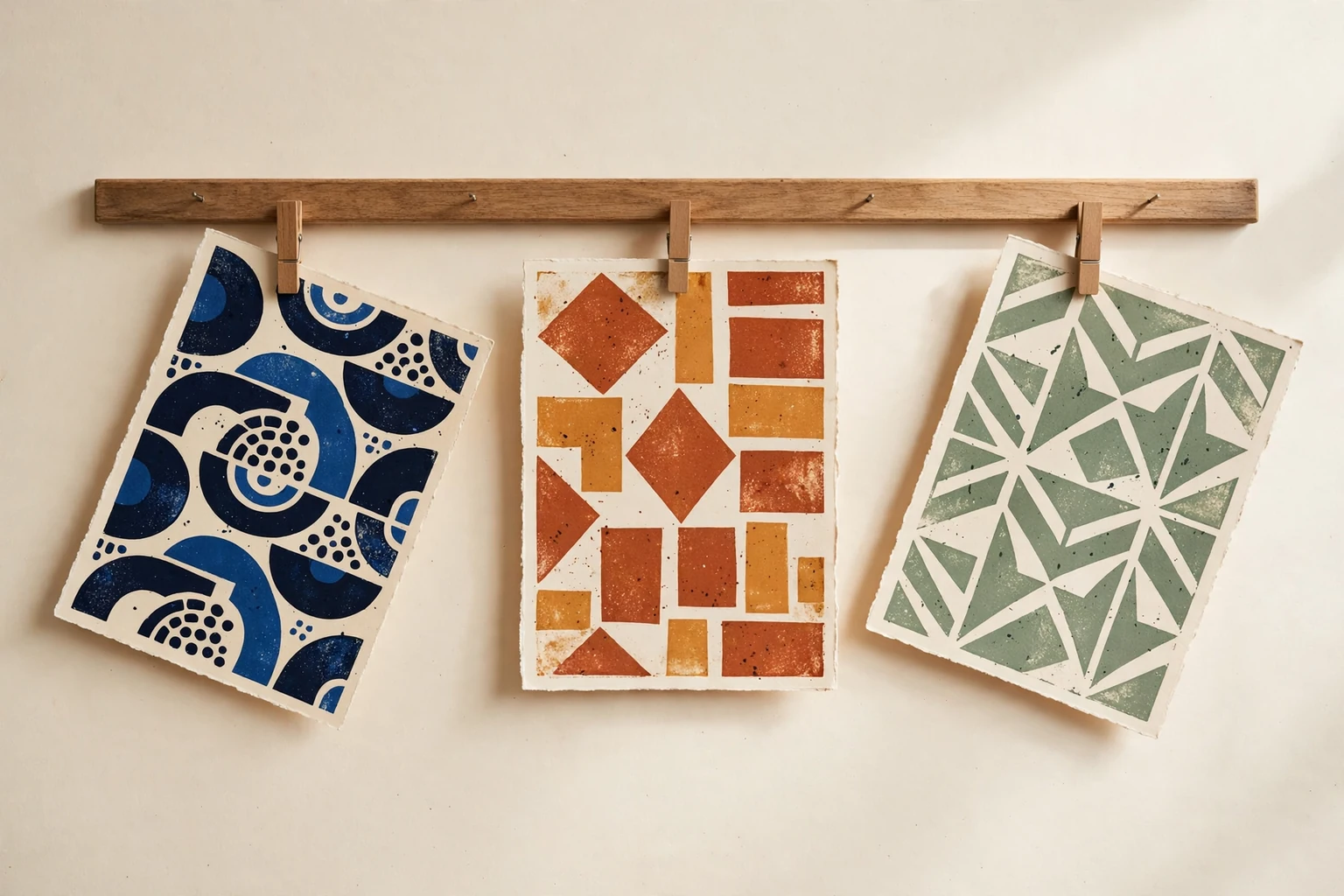
Try a starting set.
Then change it.
A starting set brings a motif and an arrangement to the table. Its suggestions lead back to real controls, leaving the final choices with you.
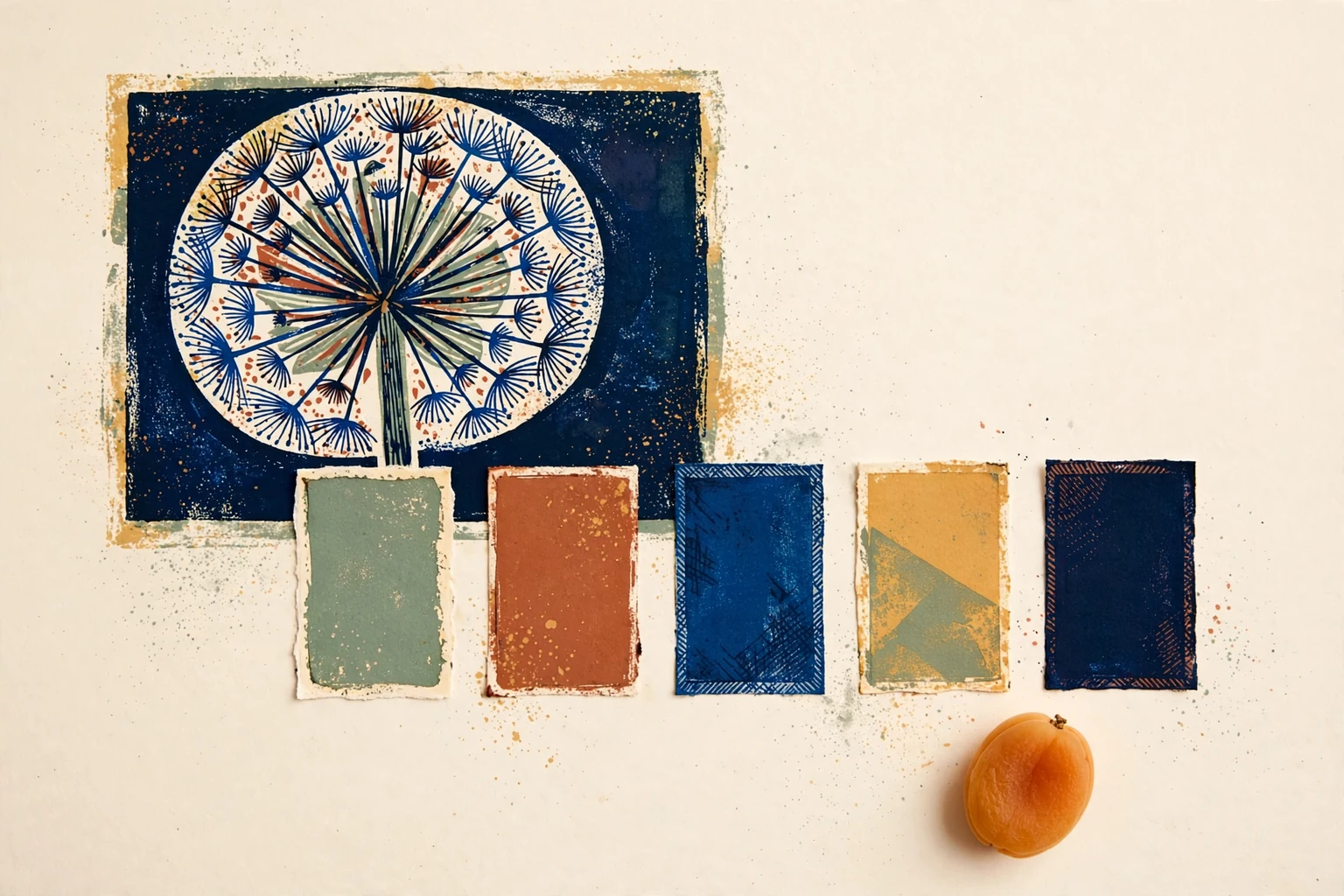
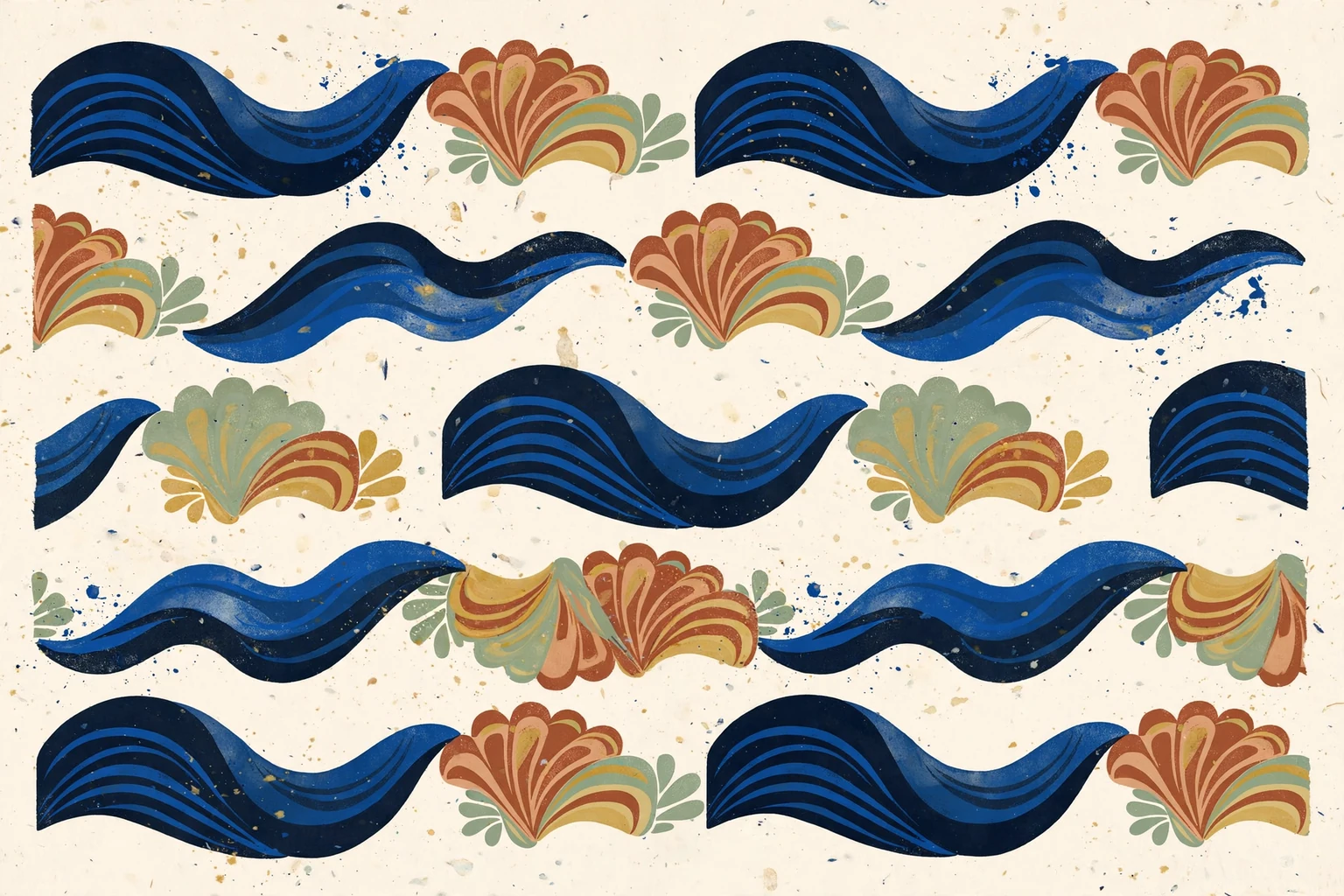
Keep the first idea.
Try the next one.
Open a saved edition as an independent draft. A new angle, gap or paper choice can become another print without changing the one you kept.
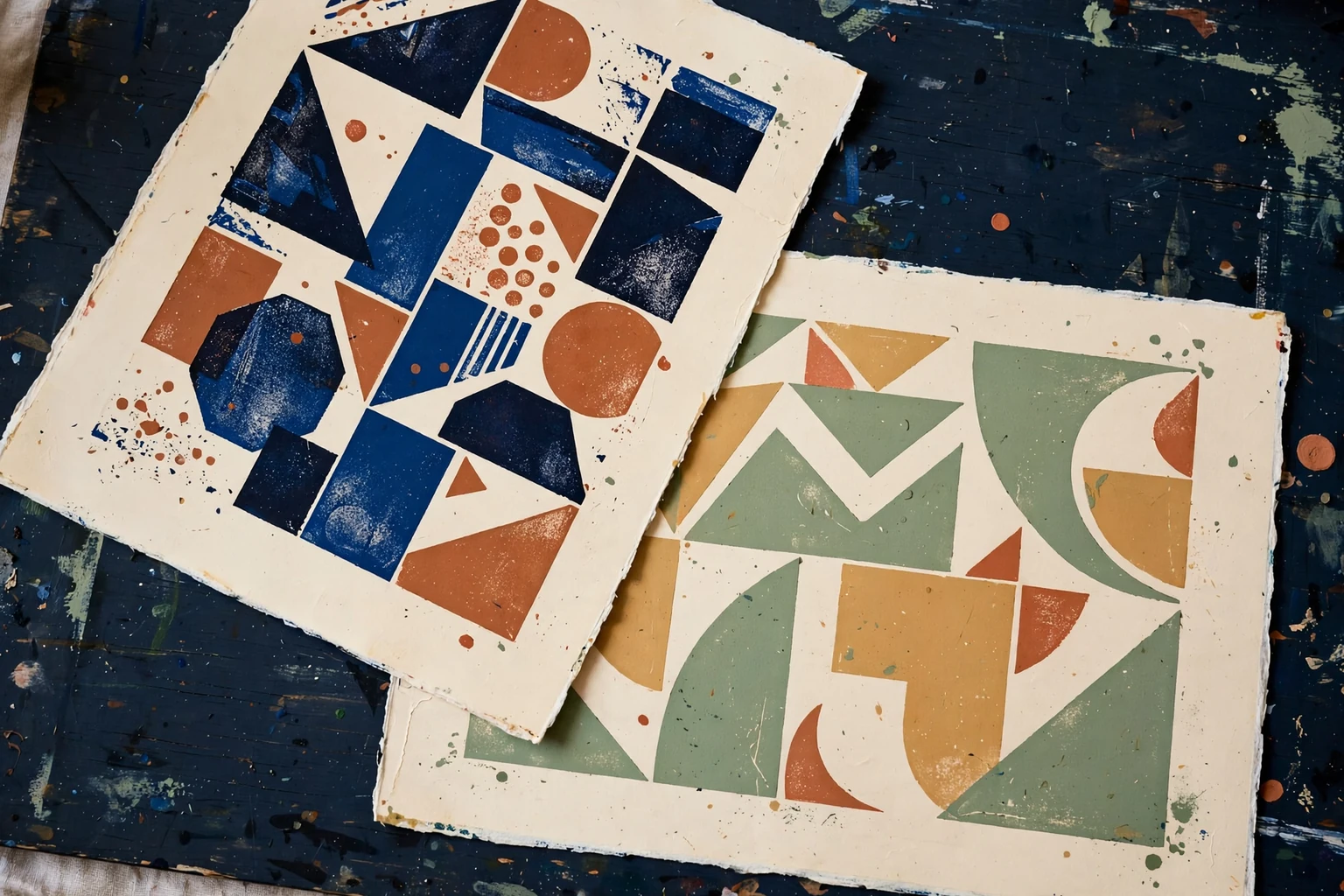
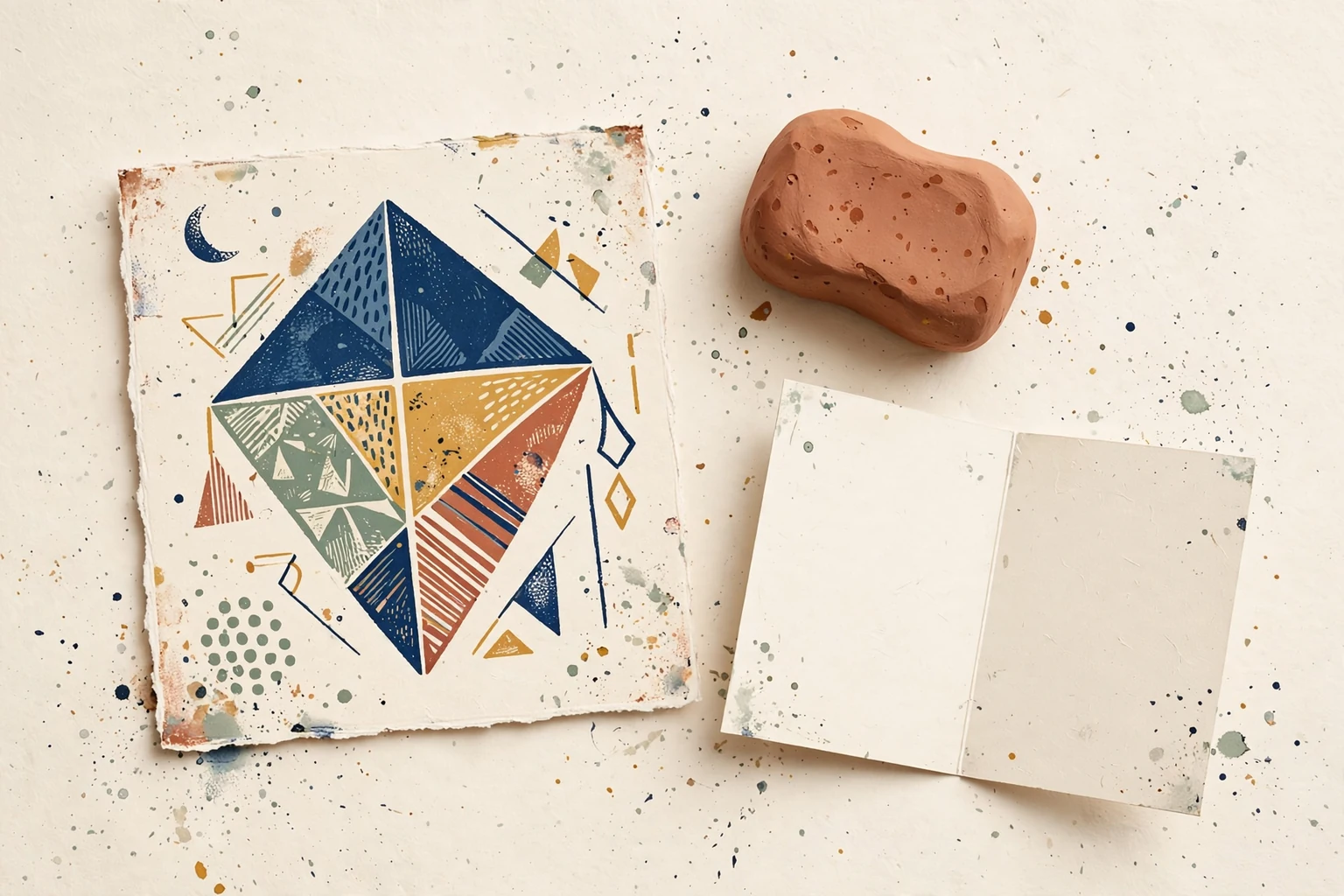
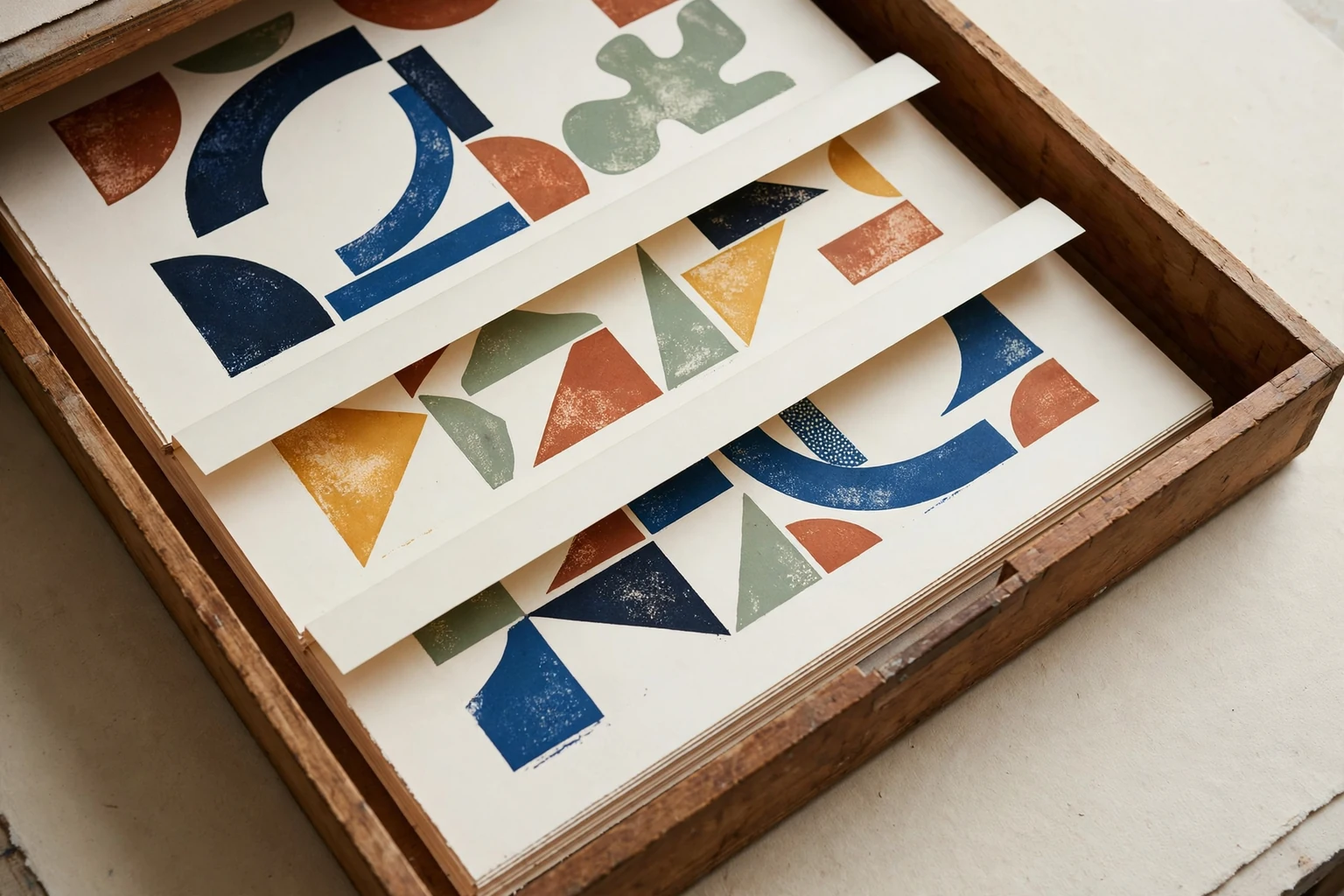
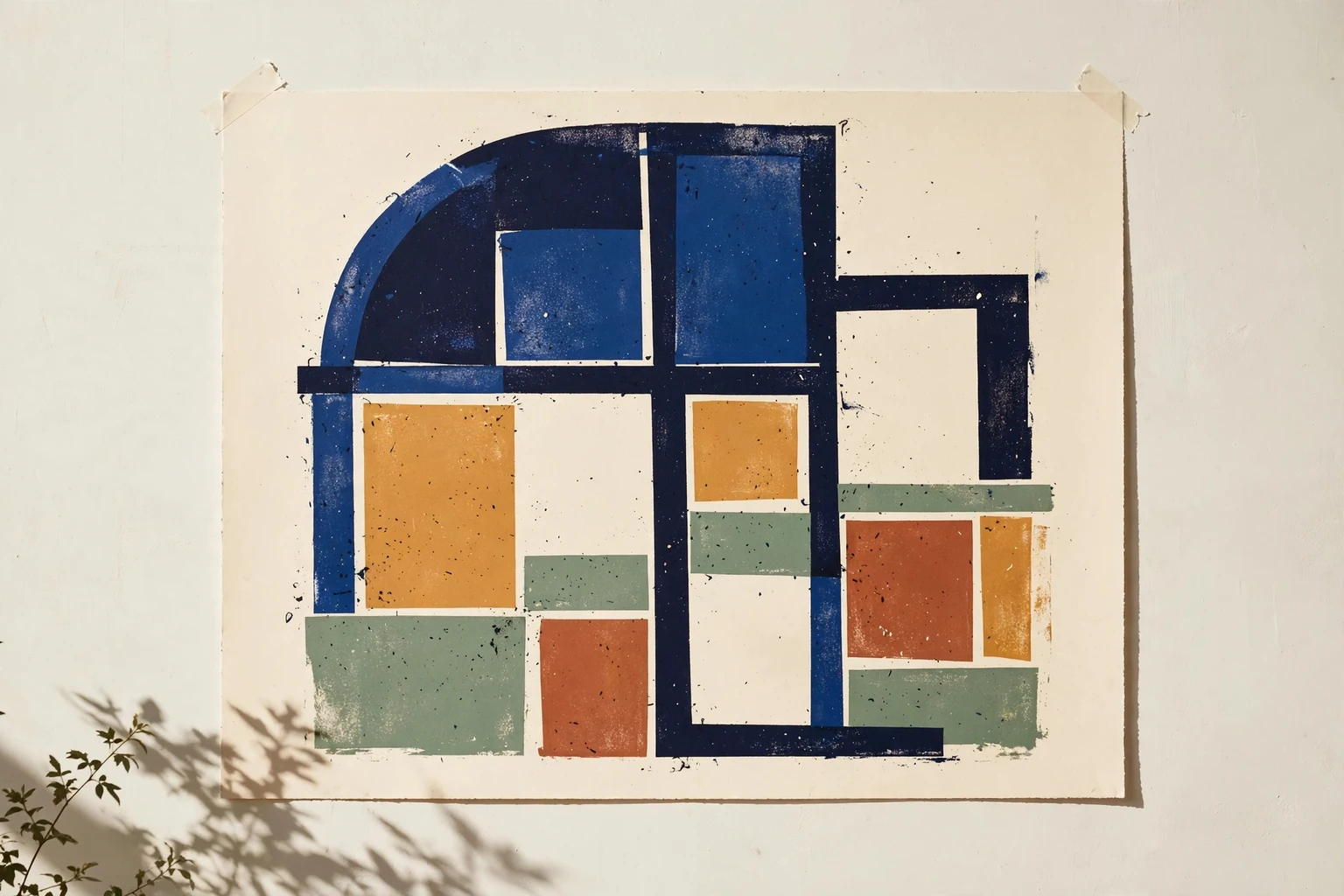
Give each edition
a name of its own.
Keep a private note with a saved print. Choose two editions to compare their real settings and previews, then return to the one you want to explore.
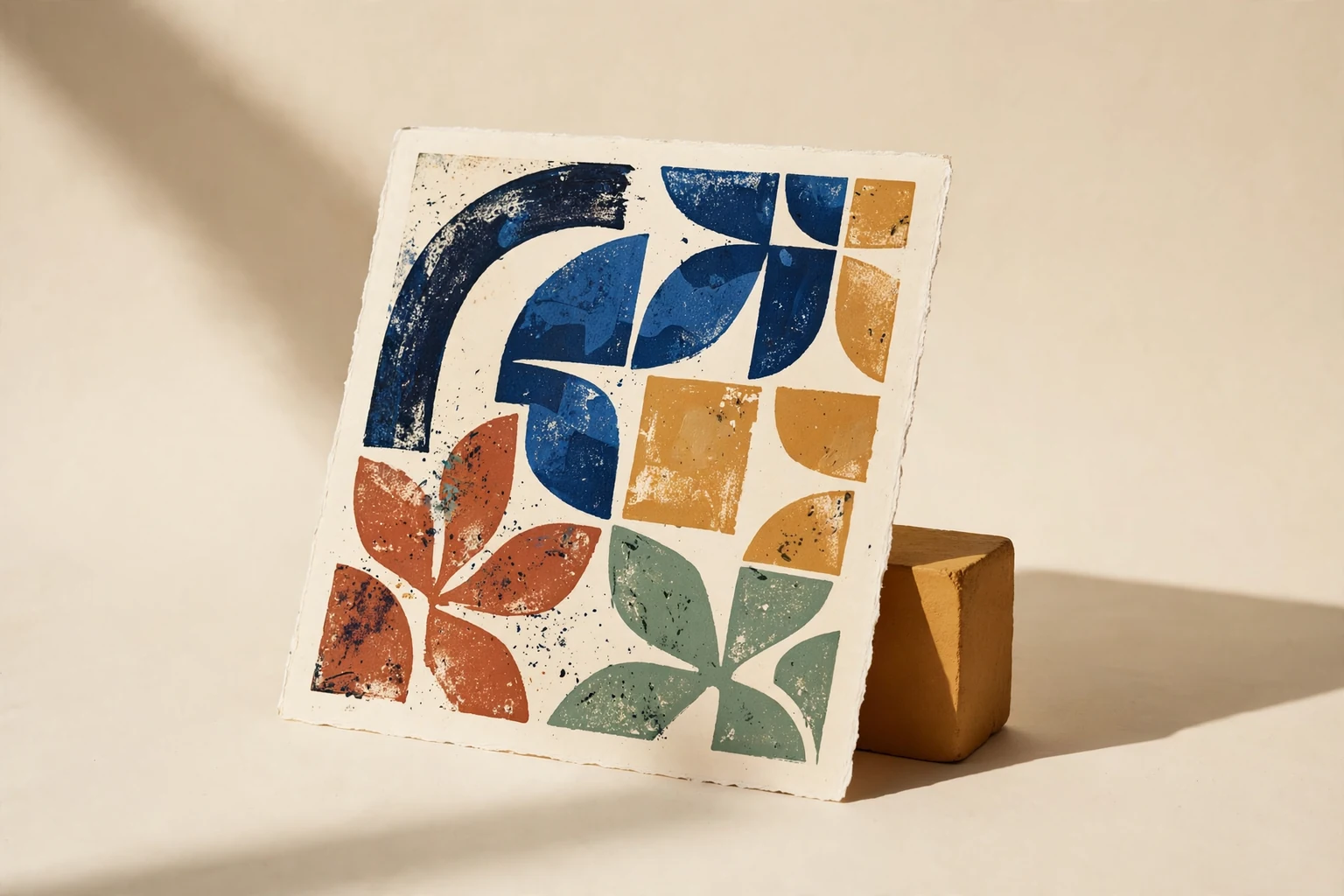
Export a square PNG when a pattern is ready to leave the table. Your private notes stay out of the image.
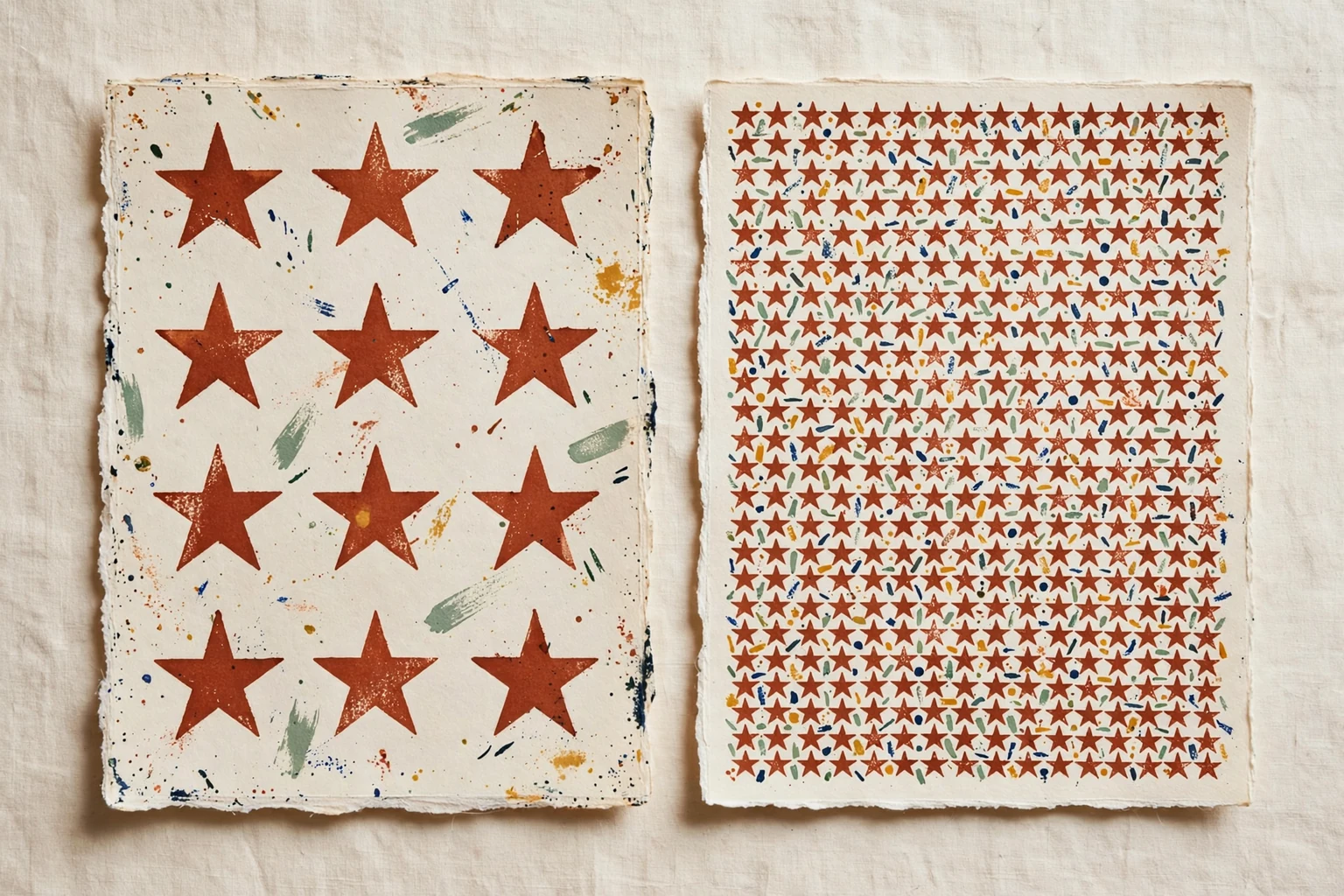
More open.
More closely gathered.

The next print
can begin here.
A saved edition is a place to return to, not an instruction to stop. Change one thing and see what it gives you.
Back to the working table ↗